Why USB Sticks Are Holding Back Your Digital Signage
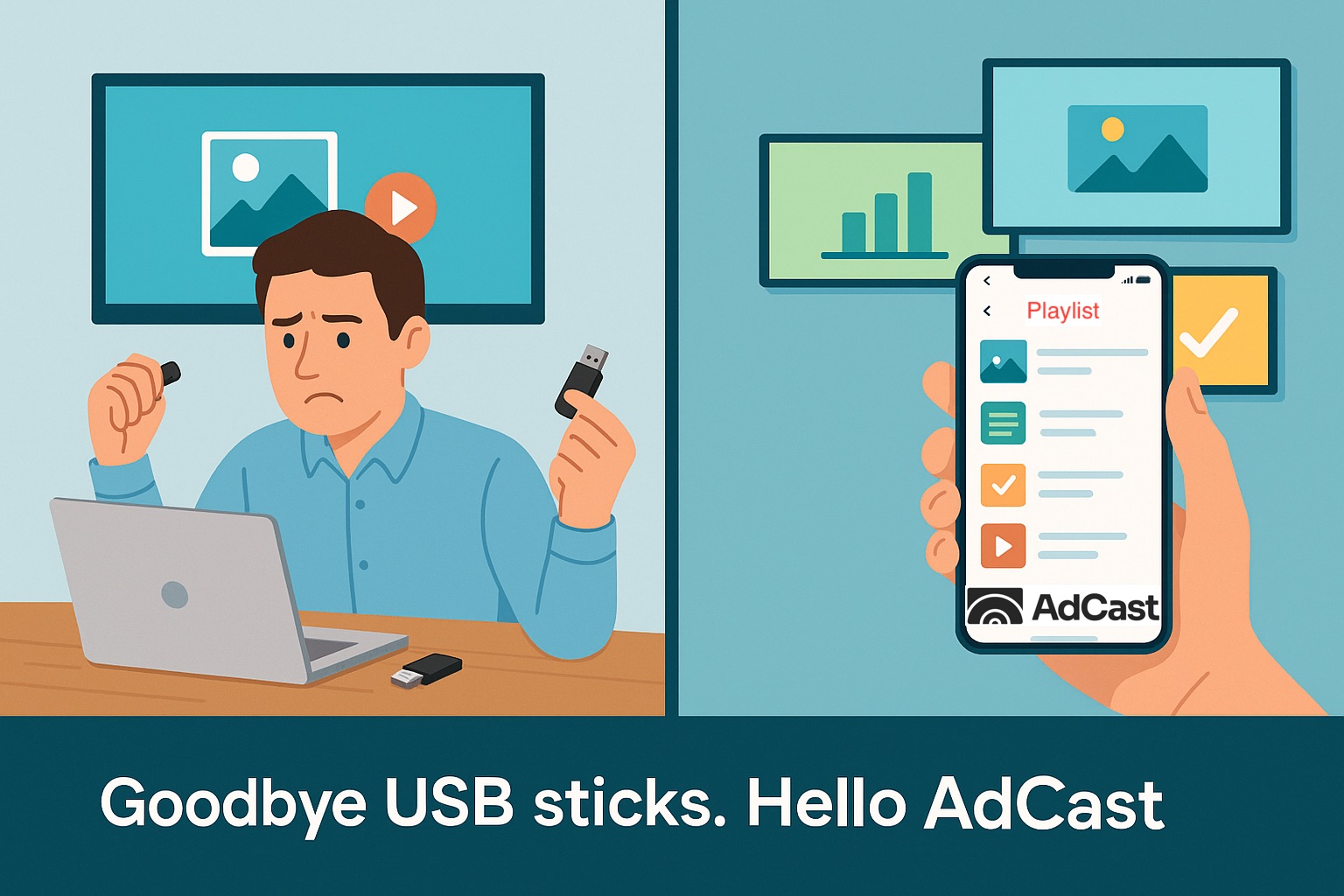
Why USB Sticks Are Holding Back Your Digital Signage?
To build a successful digital signage strategy, businesses need a reliable way to get content onto their display screens. At first glance, USB drives may seem like a quick fix – simply load images and videos onto a stick and plug it into your TV. But while this method looks simple, it creates serious limitations.
In this article, we’ll explain why using USB drives for digital signage can cause problems – and how AdCast solves them with modern, cloud-based technology.
1. USB sticks require manual updates
Every time you want to change content, someone has to physically visit the screen, remove the USB stick, upload new files, and plug it back in. For businesses with multiple screens, this becomes time-consuming and expensive. With AdCast, you update content from your phone in seconds – no travel required.
2. USB sticks waste valuable opportunities
Because it’s such a hassle, many businesses avoid frequent updates. That means daily specials, limited-time promotions, or important announcements often go unseen. AdCast makes updates effortless, so your screens always stay fresh, relevant, and engaging.
3. USB sticks can’t handle live or scheduled content
A USB drive only shows static files until you change them again. There’s no way to schedule “Good Morning” messages, update dashboards in real time, or stream dynamic content.
AdCast allows you to schedule playlists, display live data, and automate what plays and when – all from the cloud.
4. USB sticks don’t warn you if screens stop working
If a screen freezes or stops displaying content, you won’t know until someone notices it. This can mean days of downtime.
AdCast constantly monitors your displays and notifies you if something goes wrong, so issues get fixed before they hurt your business.
Goodbye USB sticks – hello AdCast
Digital signage is no longer just for big companies. Restaurants, shops, offices, and event spaces all use screens to communicate in smarter, more dynamic ways.
With AdCast, you manage all your screens remotely, update them in seconds, and unlock features that USB drives simply can’t deliver. Stop wasting time with outdated methods – upgrade your signage strategy with AdCast.
You might also like
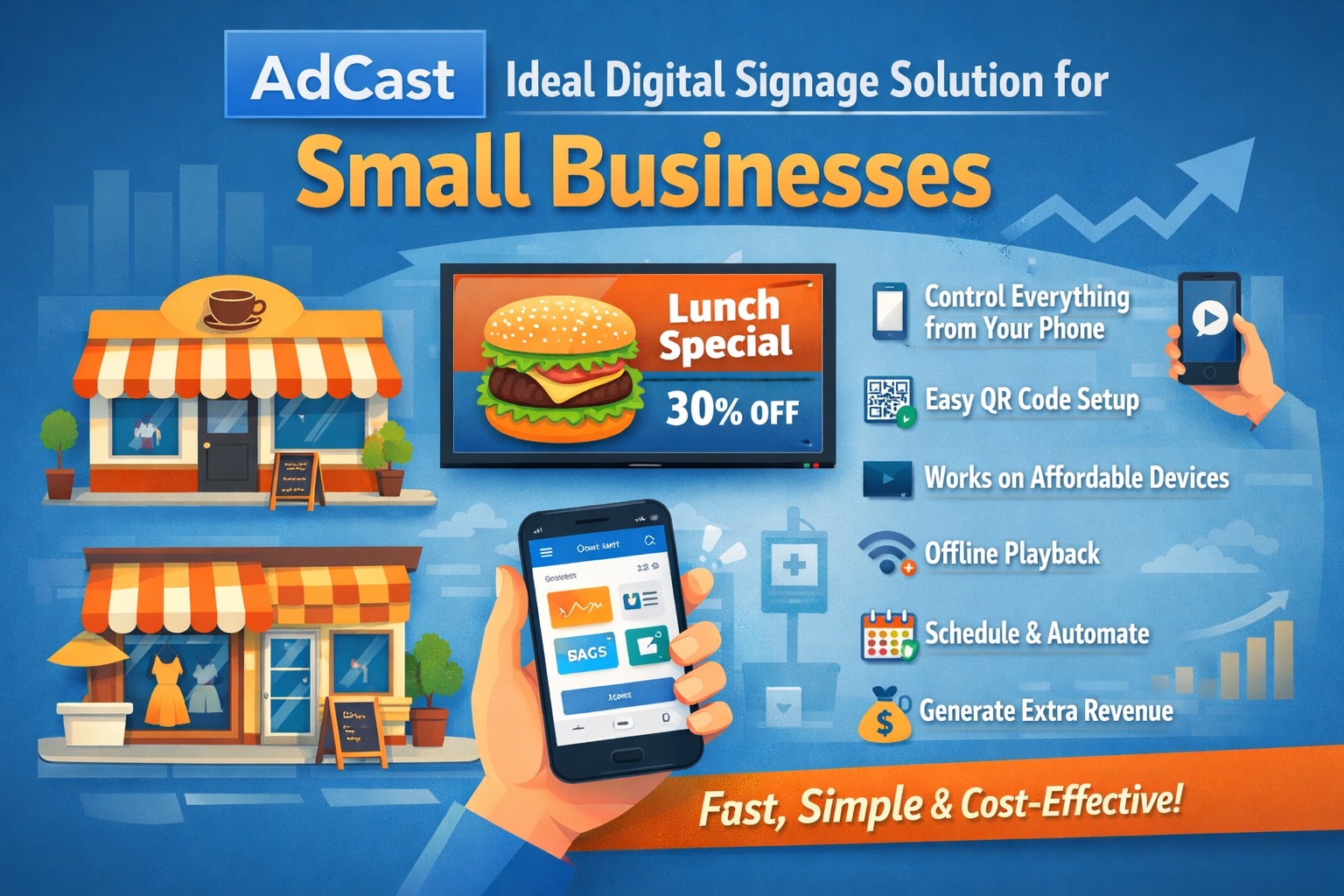
How to Choose the Right Digital Signage Software for Your Business
A practical guide to evaluating digital signage platforms — covering must-have features, ROI benchmarks by industry, and a step-by-step deployment checklist.
Read More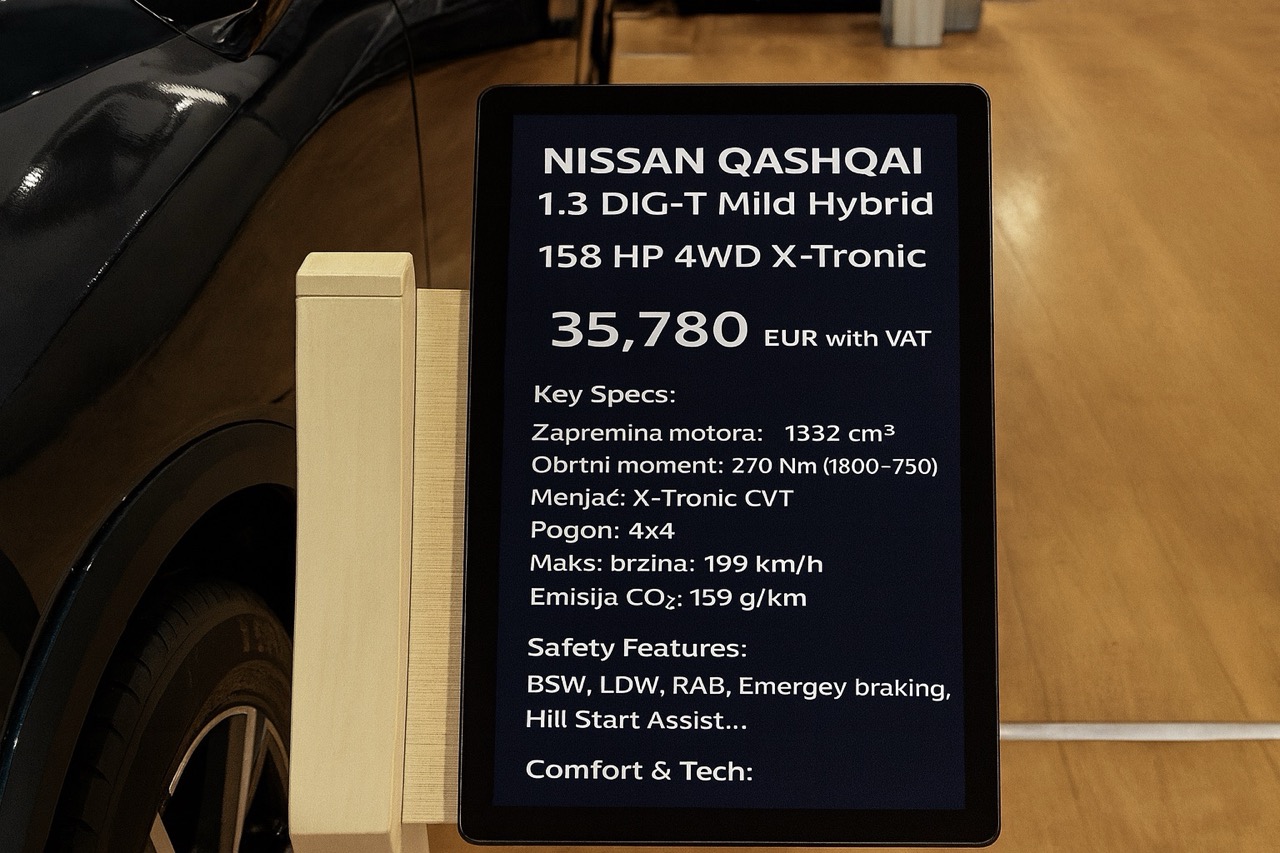
Why Car Expos Should Replace A4 Paper Sheets with Smart Digital Displays
How digital tablet stands and QR-powered interactions can modernize car expos and help dealers capture more leads.
Read More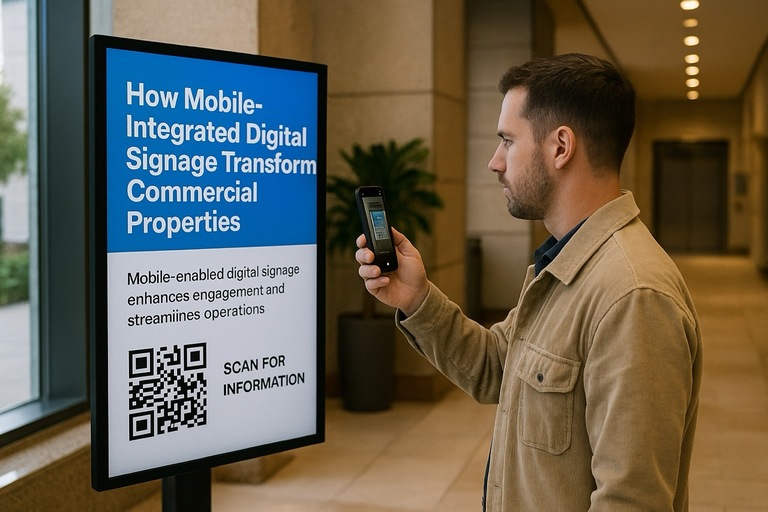
How Mobile-Integrated Digital Signage with AdCast Transforms Commercial Properties
Discover how AdCast Digital Signage turns traditional displays into mobile-connected communication hubs that boost tenant engagement and streamline operations.
Read More
AdCast Digital Signage is Now Available on Fire TV & Fire TV Stick
AdCast now runs on all Fire TV devices. Set up your digital signage display in minutes using just your mobile phone.
Read More
Top 5 Ways Restaurants Can Use Digital Signage
Explore five innovative ways restaurants can leverage digital signage to enhance customer experience and boost sales.
Read More
10 Digital Signage Marketing Strategies to Boost Sales and Engagement
Proven digital signage tactics to grow in-store sales and engagement.
Read More