Play Radio and Digital Signage Ads on the Same Screen with AdCast
With AdCast Player, you can turn any TV or display into professional digital signage in just a few minutes. Download the app, connect your screen with a QR code, and manage everything directly from your phone.


30-day FREE trial. No credit card required. Full access to all features.
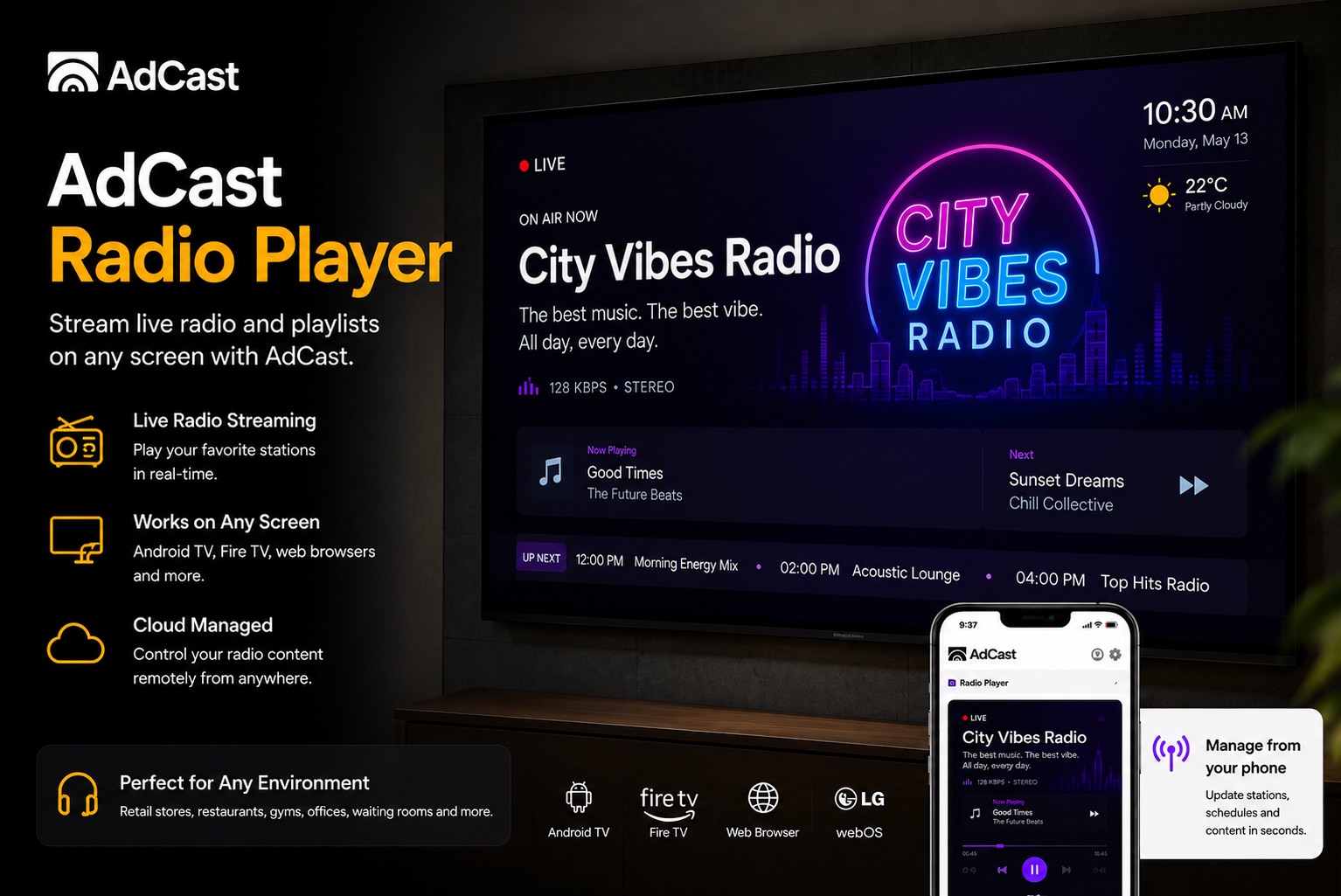
Most small businesses think about digital signage as something purely visual: a menu, a promotion, a service list, a product photo, or a video ad. But the screen is often connected to a TV, and that TV already has speakers. With AdCast Player, that same device can show your ads and play a radio station in the background.
The idea is simple: choose a radio stream URL, assign it to your display, and let the audio play while your AdCast playlist continues to run normally. Your ads stay on screen as the main function, while the radio creates atmosphere in the room.
Why Radio Playback Is Useful for Businesses
For many local businesses, silence feels awkward, but managing a separate music or radio device is one more thing for staff to remember. A background radio stream inside the same signage player can make the setup cleaner.
- Cafes and bakeries: play a local radio station or relaxed music while showing daily specials, loyalty offers, and menu boards.
- Salons and barber shops: create a better waiting experience while displaying prices, services, before-and-after examples, and product promotions.
- Gyms and fitness studios: add energy to the space while screens show class schedules, member offers, and trainer announcements.
- Retail shops: keep the store lively while promoting new arrivals, flash sales, and brand messages.
- Waiting rooms and clinics: use gentle background audio while the screen shows helpful information, reminders, and appointment-related content.
- Lobbies and reception areas: play a clean radio stream while rotating welcome messages, wayfinding, events, and company updates.
One Device, Two Jobs
The practical benefit is that the business does not need a separate radio, laptop, phone, or speaker workflow just to create background audio. If the TV or display has speakers connected, AdCast Player can handle both jobs from the same device:
- visual ads, images, videos, and playlists on screen
- radio playback in the background from a station URL
- remote updates from the AdCast app
- less equipment around the counter, waiting room, or shop floor
This is especially useful for small businesses where the same person is managing customers, staff, promotions, and screens. Fewer moving parts usually means the system gets used more consistently.
How It Works in AdCast
AdCast Player is still focused on digital signage first. Your playlist remains the main experience: ads, images, videos, menus, and scheduled content continue to play visually on the display.
When radio playback is configured, the player also uses the selected radio stream URL as background audio. That means the screen can keep promoting your business while the room has ambient sound from the radio station you choose.
A common setup looks like this:
- Install AdCast Player on an Android TV, Fire TV, or compatible display device.
- Pair the display with your AdCast account.
- Create or upload ads and organize them into a playlist.
- Add the radio station stream URL for background playback.
- Let the screen show your ads while the radio plays through the display or connected speakers.
You can read more about setup questions in the AdCast support and FAQ, compare plan costs on the pricing page, or explore browser-based playback in the AdCast Web Player guide.
Start Your Digital Signage in Under 3 Minutes
With AdCast Player, you can turn any TV or display into professional digital signage in just a few minutes. Download the app, connect your screen with a QR code, and manage everything directly from your phone.
No complicated CMS. No Raspberry Pi. No expensive hardware or IT support required. AdCast is built for small businesses that want simple, affordable, and modern digital signage without the usual complexity.
Upload videos and images, create playlists, schedule content, and update screens remotely from anywhere - all from one easy-to-use platform designed for restaurants, cafes, gyms, salons, retail stores, offices, and more.
- Setup in under 3 minutes
- Manage screens directly from your phone
- Works with Android TV and Fire TV devices
- No contracts or special hardware required
Good Radio Choices for Digital Signage
The best radio choice depends on the business. A gym may want something energetic. A salon may want something relaxed. A clinic or lobby may want calm background audio that does not distract from conversation.
Before using a stream all day, test it during business hours and ask a simple question: does this audio make the space feel better for customers and staff? If yes, it belongs in the environment. If it is too loud, too busy, or off-brand, choose another stream.
Best Practices
- Use audio that matches your business mood and customer expectations.
- Keep volume low enough that staff and customers can talk comfortably.
- Prefer stable radio stream URLs from reliable stations.
- Test playback before opening hours so staff are not troubleshooting in front of customers.
- Keep the visual playlist simple and readable because the audio is only the background layer.
Radio Plus Ads Is a Natural Combination
Radio creates atmosphere. Digital signage creates attention. Together, they can make a business feel more active while still keeping the screen focused on promotions, menus, services, and announcements.
For a small business, that combination is valuable because it uses equipment that is already in place. The same AdCast Player can show the message and support the mood of the room.
FAQ: Radio Playback with Digital Signage
Can AdCast play radio while ads are showing?
Yes. AdCast Player can use a radio station URL for background playback while the display continues showing the normal AdCast playlist.
Do I need a separate radio device?
Not necessarily. If the display setup has speakers available, the same AdCast Player device can handle visual signage and background radio playback.
Does radio replace my ads?
No. Radio playback is an audio layer. Your visual ads, images, videos, and playlist content remain the main function of the AdCast display.
What businesses benefit most?
Cafes, salons, gyms, retail shops, waiting rooms, lobbies, and reception areas can benefit because they often need both visual promotion and pleasant background audio.
Can I use any radio station?
You need a compatible radio stream URL. Businesses should also make sure their use of music or radio is appropriate for their location and local licensing requirements.
You might also like
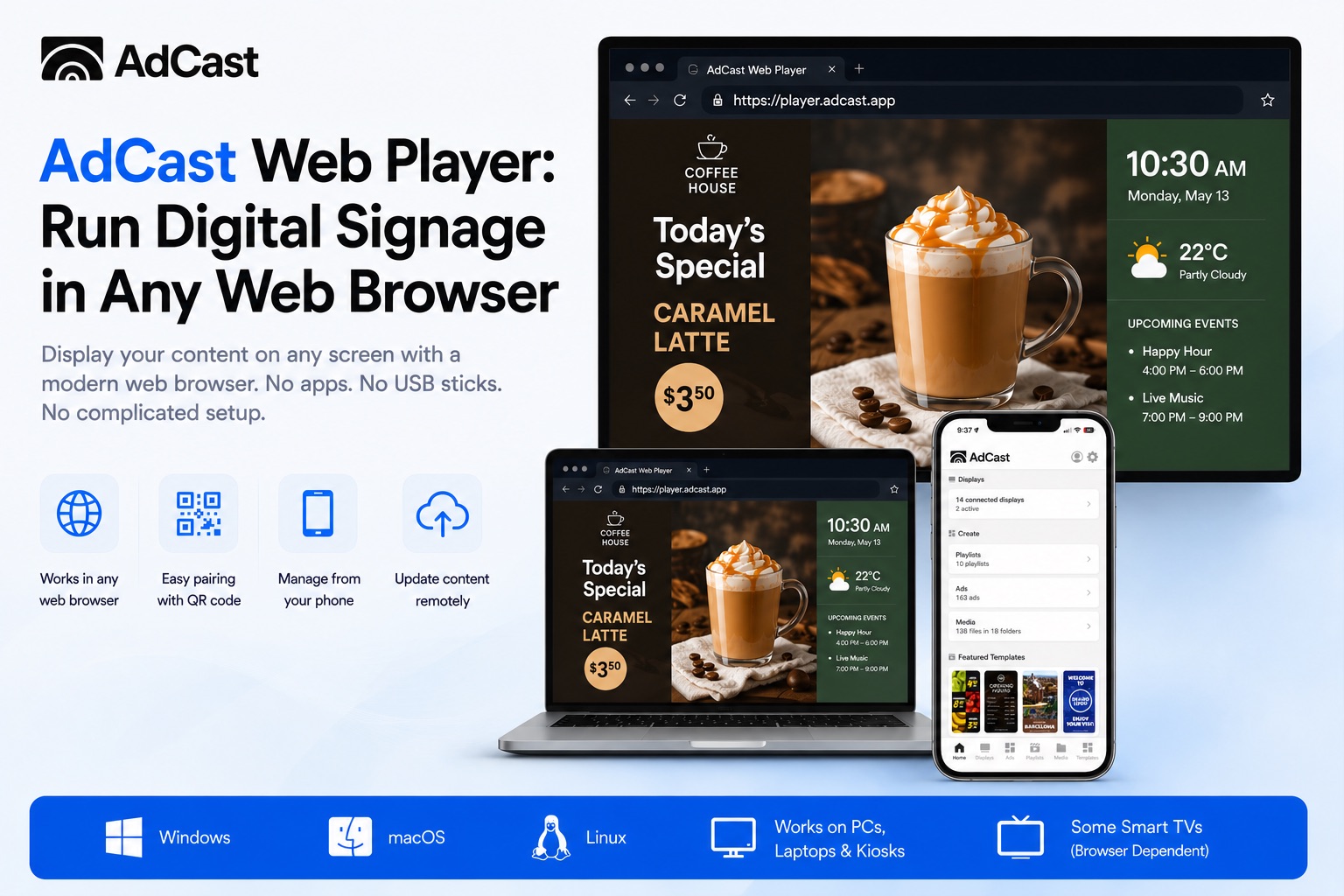
AdCast Web Player: Digital Signage Player for Any Web Browser
Use AdCast Web Player to run digital signage directly in a web browser. Manage playlists, schedules, images, videos, and screen content from your phone with no complicated setup.
Read More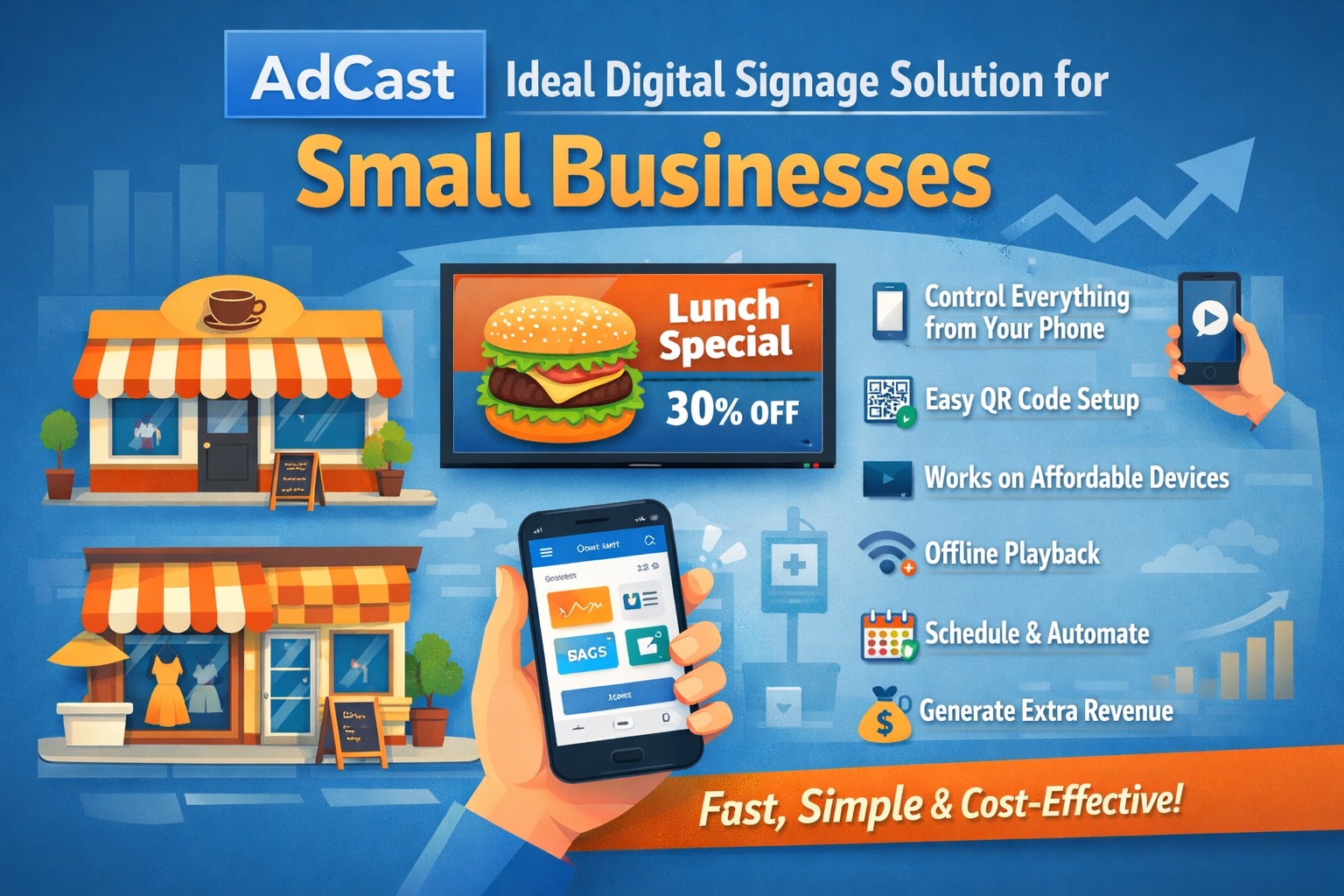
How to Choose the Right Digital Signage Software for Your Business
A practical guide to evaluating digital signage platforms — covering must-have features, ROI benchmarks by industry, and a step-by-step deployment checklist.
Read More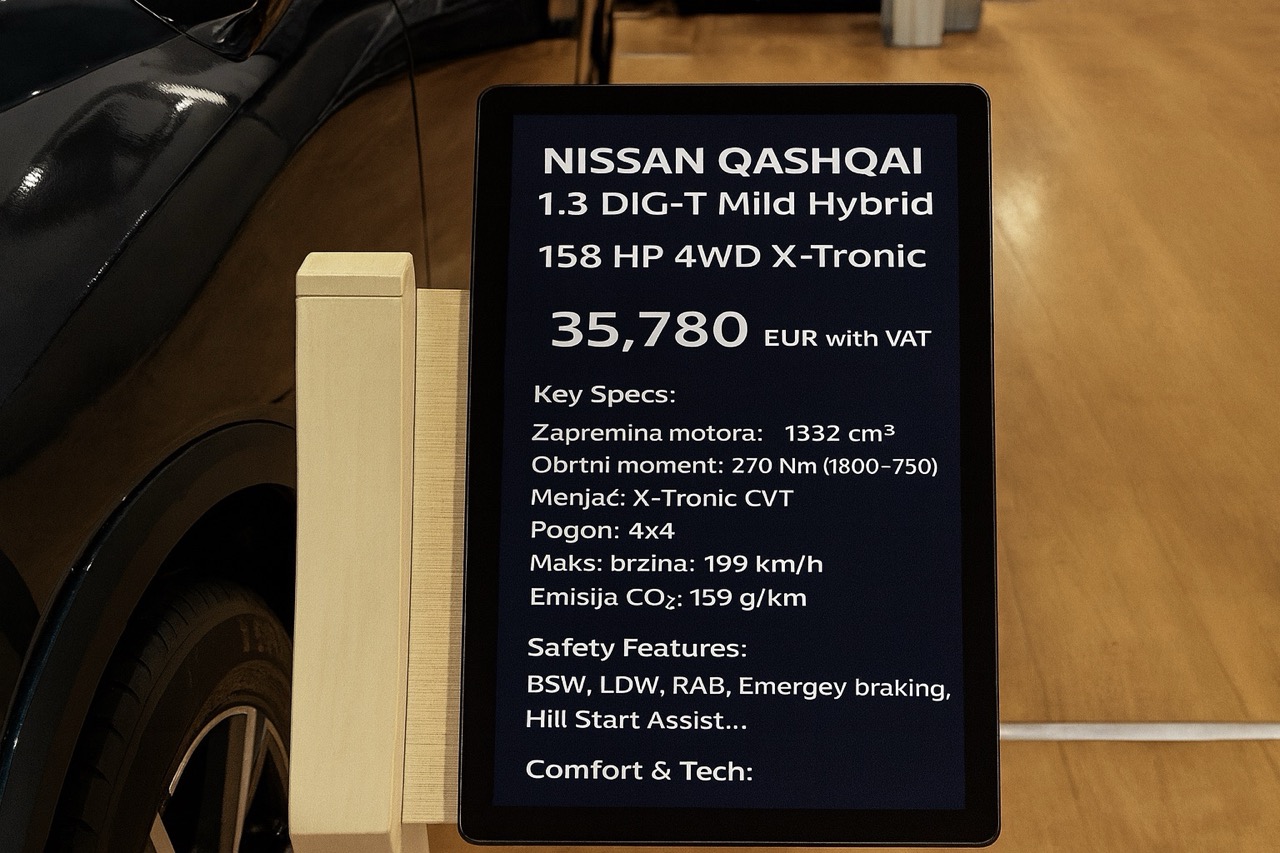
Why Car Expos Should Replace A4 Paper Sheets with Smart Digital Displays
How digital tablet stands and QR-powered interactions can modernize car expos and help dealers capture more leads.
Read More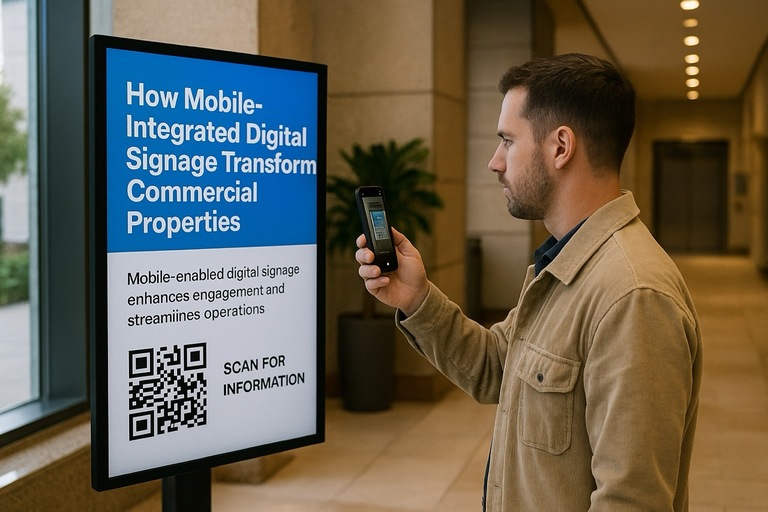
How Mobile-Integrated Digital Signage with AdCast Transforms Commercial Properties
Discover how AdCast Digital Signage turns traditional displays into mobile-connected communication hubs that boost tenant engagement and streamline operations.
Read More
AdCast Digital Signage is Now Available on Fire TV & Fire TV Stick
AdCast now runs on all Fire TV devices. Set up your digital signage display in minutes using just your mobile phone.
Read More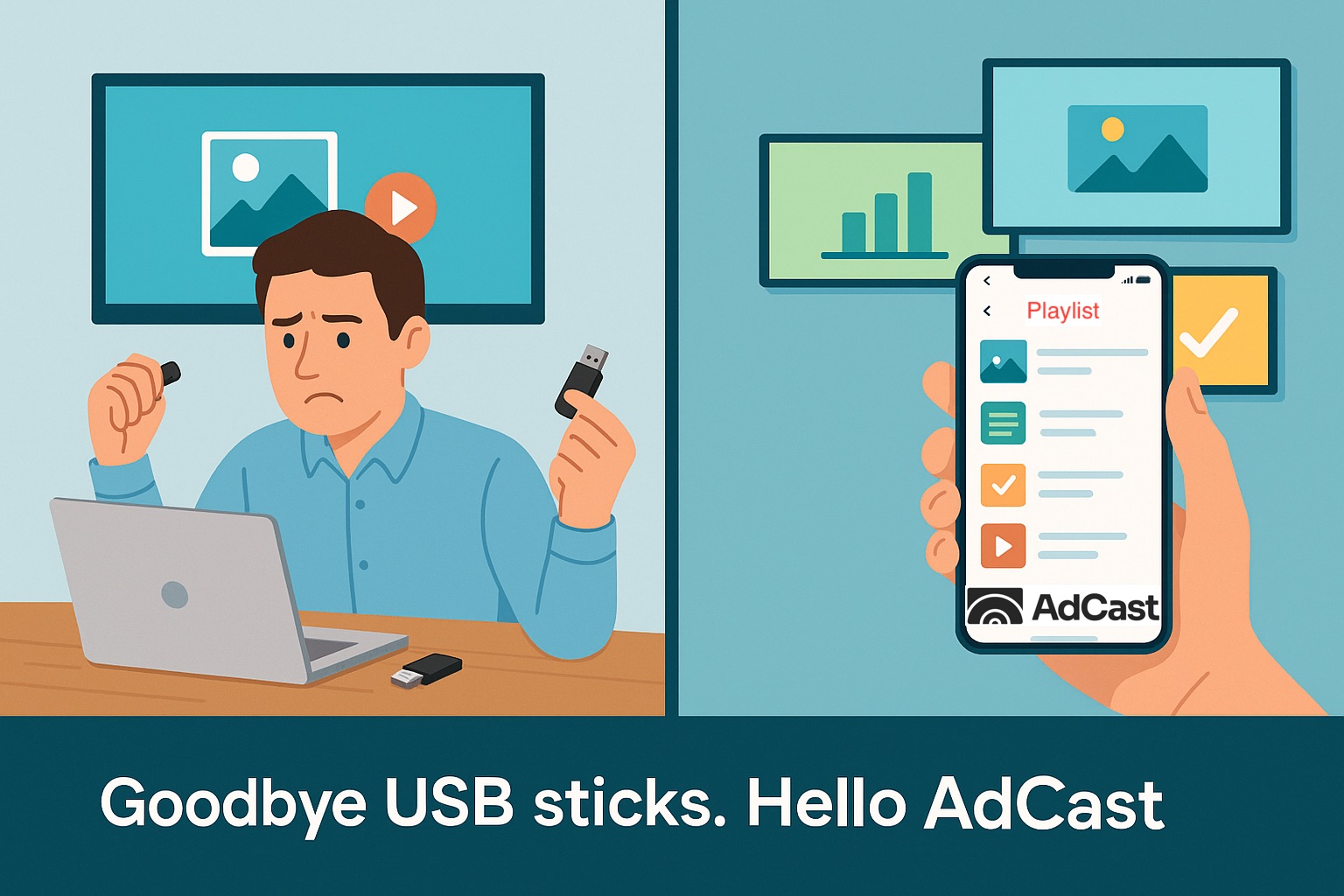
Why USB Sticks Are Holding Back Your Digital Signage
The limitations of using USB drives for digital signage and how cloud-based solutions like AdCast offer a better alternative.
Read More
Top 5 Ways Restaurants Can Use Digital Signage
Explore five innovative ways restaurants can leverage digital signage to enhance customer experience and boost sales.
Read More
10 Digital Signage Marketing Strategies to Boost Sales and Engagement
Proven digital signage tactics to grow in-store sales and engagement.
Read More