AdCast Digital Signage is Now Available on Fire TV & Fire TV Stick
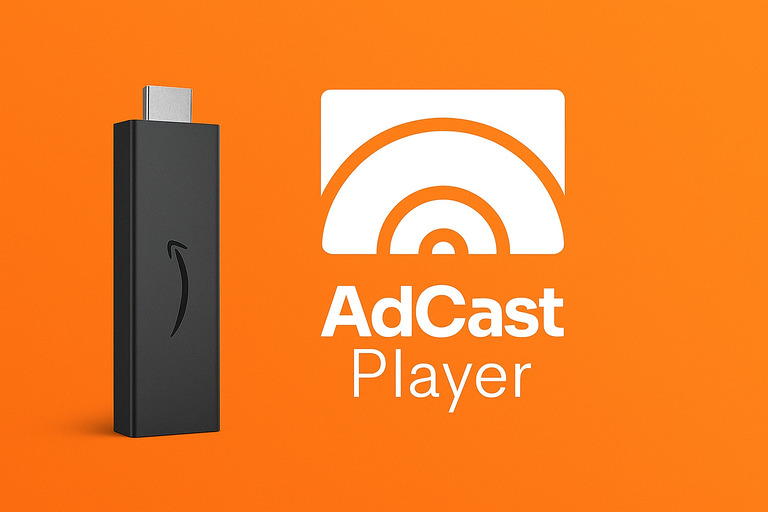
Great news for business owners, creators, and anyone who needs fast, reliable digital signage — AdCast Digital Signage is now officially available on Amazon Fire TV and Fire TV Stick devices running Fire OS.
With this update, you can turn any TV with a Fire TV Stick into a powerful digital signage display in just a few minutes. No expensive hardware, no complicated setup — just install, scan, and start casting your content.
Why Fire TV Support Matters
Fire TV and Fire TV Stick devices are affordable, widely available, and easy to deploy across multiple locations. AdCast now integrates seamlessly with Fire OS, making it the perfect plug-and-play signage solution for retail, cafés, gyms, salons, clinics, offices, events, and more.
How to Install AdCast on Fire TV
Installing AdCast Player on Fire TV is simple. Just follow these steps:
- Open the Amazon Appstore on your Fire TV or Fire TV Stick.
- Search for "AdCast Player".
- Select the app and click Install.
- Open the app once installation is complete.
Quick Setup: Pair Your Screen With Your Mobile
Setting up a new display is designed to take less than 20 seconds. The moment you launch AdCast Player on Fire TV, you’ll see a unique QR code on the screen.
Here’s how to activate your display:
- Open the AdCast mobile app on your iPhone or Android.
- Tap Add Display.
- Scan the QR code on your TV.
- Your display instantly appears in the app — ready to receive playlists.
No passwords. No manual pairing. Just scan and start casting content.
Create, Manage & Schedule Content Easily
With the AdCast app, you can create beautiful ads from templates or upload your own media. Organize them into playlists and send them directly to your newly paired Fire TV display.
- Drag-and-drop playlist organization
- Instant updates across all screens
- Full offline support on the Fire TV Player
- Automatic crash protection & recovery
Compatible Fire OS Devices
AdCast Player works on:
- Fire TV Stick
- Fire TV Stick 4K
- Fire TV Stick Lite
- Fire TV Cube
- All TVs running Fire OS
FAQ: Fire TV + AdCast
Can I use Fire TV Stick as a professional digital signage player?
Yes. Fire TV Stick is powerful enough to run smooth, 24/7 digital signage with offline caching and automatic reconnection.
You might also like
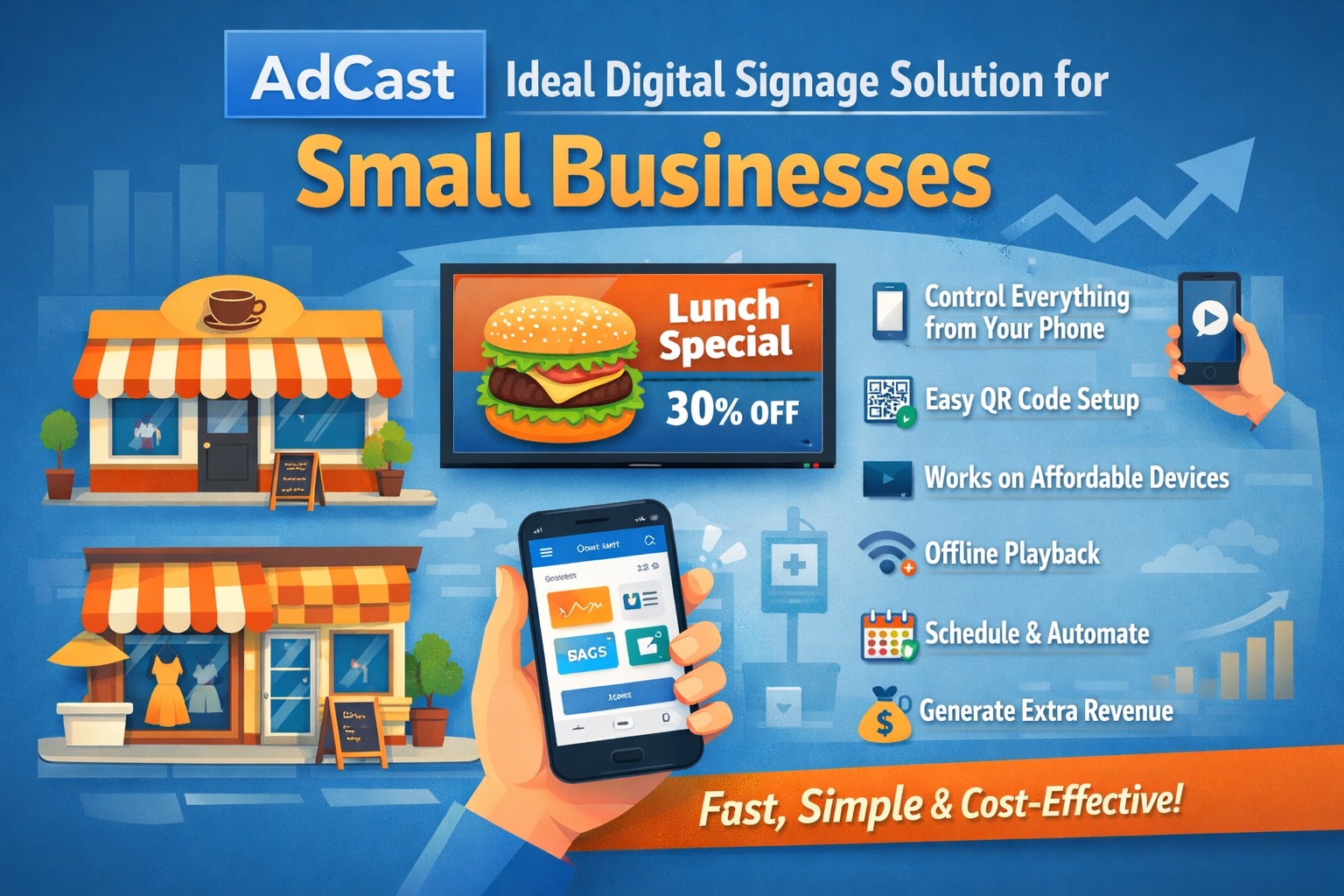
How to Choose the Right Digital Signage Software for Your Business
A practical guide to evaluating digital signage platforms — covering must-have features, ROI benchmarks by industry, and a step-by-step deployment checklist.
Read More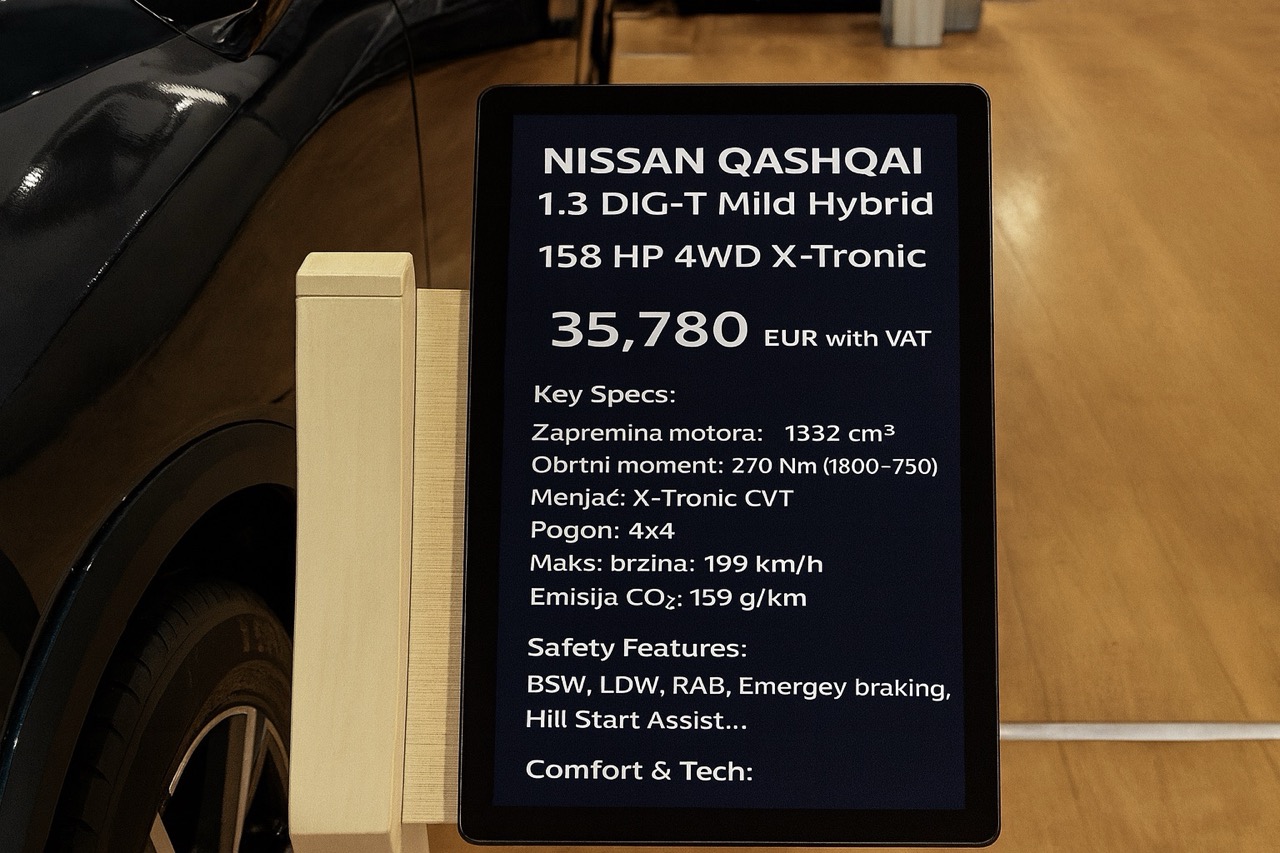
Why Car Expos Should Replace A4 Paper Sheets with Smart Digital Displays
How digital tablet stands and QR-powered interactions can modernize car expos and help dealers capture more leads.
Read More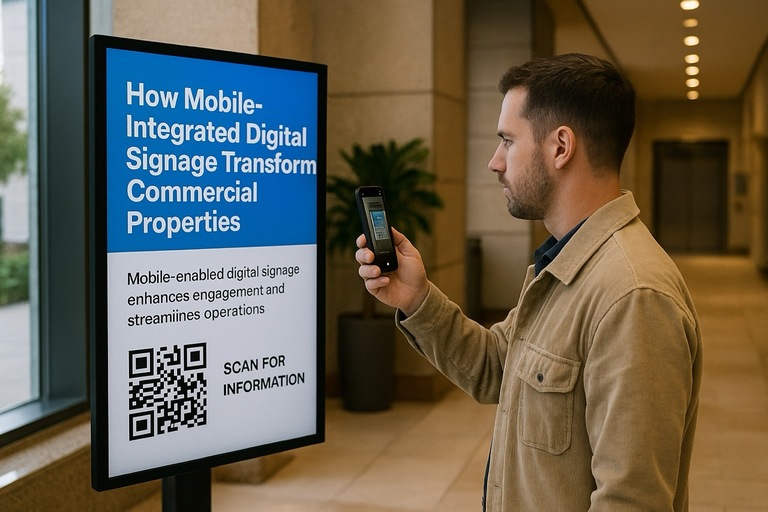
How Mobile-Integrated Digital Signage with AdCast Transforms Commercial Properties
Discover how AdCast Digital Signage turns traditional displays into mobile-connected communication hubs that boost tenant engagement and streamline operations.
Read More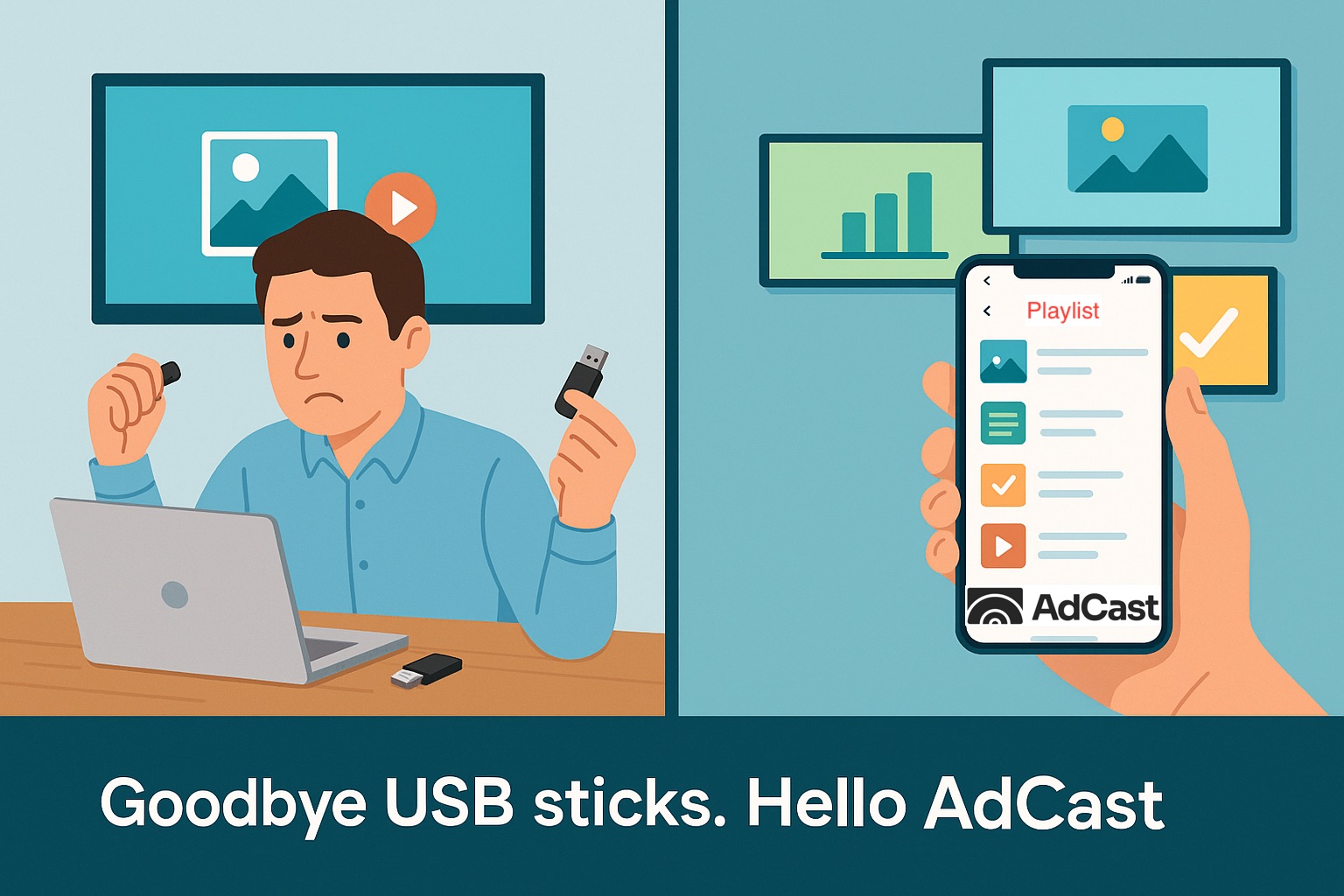
Why USB Sticks Are Holding Back Your Digital Signage
The limitations of using USB drives for digital signage and how cloud-based solutions like AdCast offer a better alternative.
Read More
Top 5 Ways Restaurants Can Use Digital Signage
Explore five innovative ways restaurants can leverage digital signage to enhance customer experience and boost sales.
Read More
10 Digital Signage Marketing Strategies to Boost Sales and Engagement
Proven digital signage tactics to grow in-store sales and engagement.
Read More